When your team is busy
Answer supported questions and capture requirements while your team serves customers, works on site or attends appointments.
VOICE CALL AGENT
An AI voice assistant shaped around your business. Give callers a useful response, capture confirmed enquiries and keep people in control of the next step.
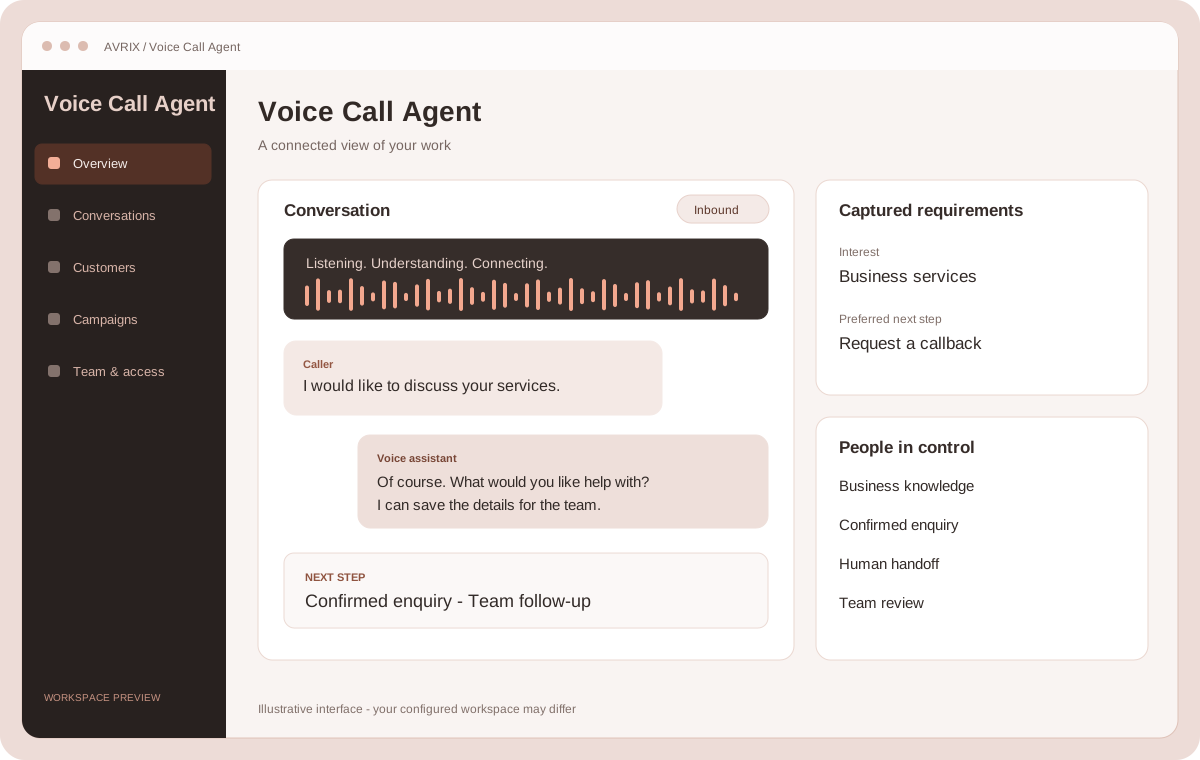
Answer supported questions and capture requirements while your team serves customers, works on site or attends appointments.
Use your business hours and after-hours workflow to give interested callers a useful response and save confirmed enquiries.
Start the next conversation with the caller's needs, preferences and requested follow-up already organised.
01 / Voice Call Agent
More than answering: a useful way forward for the person on the line.
Have a two-way conversation using your services, fees, FAQs and contact details. Answer supported questions and ask relevant questions about what the caller needs.
Keep service descriptions, opening hours and common answers together. Update the information your assistant uses as your business changes.
Set business hours, closures and callback or appointment-request workflows that suit your team.
Forward calls to configured people or departments using priorities and schedules, including your chosen outside-hours settings.
02 / Voice Call Agent
Keep requirements, contact details and follow-up preferences together.
Capture needs, preferences, budgets and timelines when supplied. Save confirmed enquiries and distinguish new, repeat and existing-customer contacts.
Keep contact records and recognise existing customers. Your team can review enquiries and complete customer onboarding.
Use service duration, eligible professionals and live availability. Verified existing customers can book, cancel or reschedule by phone where configured.
Organise callback requests and appointment reminder rules. New-customer appointment requests go to your team for intake and confirmation.
03 / Voice Call Agent
Explain an approved purpose, listen to the response and capture a useful next step.
Answer supported questions, understand interest and collect relevant requirements. With confirmation, capture an enquiry or offer an available human handoff.
Select customers or enter contact names and international phone numbers. Choose the audience timezone and an agreed calling schedule, with quick-start options and a countdown.
Launch, pause, resume, cancel, delete and reuse previous messages. Track pending, completed, failed and excluded calls.
Manage customer calling permissions by purpose, maintain do-not-call exclusions and review audience eligibility before launch.
04 / Voice Call Agent
Understand conversations, coordinate staff and see how your calling credit is used.
Filter inbound and outbound calls. Review available recordings, transcripts, AI summaries and reported outcomes.
Review call counts, minutes, appointment activity, enquiry outcomes and system credit usage across selected dates.
See available and reserved credit, call charges and transaction history. Online top-ups are available when payments are configured.
Manage staff roles, activity logs, services, bookable professionals, schedules and your linked phone number.
A simple workflow
Add your services, FAQs, team, working hours and call-handling preferences.
Your assistant listens, answers supported questions and asks about the customer's requirements.
Save confirmed enquiries, start intake or offer a human handoff. Your team reviews details and confirms steps that need staff approval.
Give property enquiries a clear follow-up while your team handles viewings.
Stay with your client while the next caller gets a helpful response.
Capture the job while your team is on the job.
Keep servicing and repair enquiries moving.
Gather useful context before the consultation.
Give membership and appointment enquiries a welcoming start.
Collect job requirements while your team works on site.
Keep callers connected when the shop is busy.
Calling starts after account verification, business approval, phone and assistant setup, and available credit. Supported answers and workflows depend on your configuration. Lead capture starts intake; your team completes onboarding and confirms actions that need human approval.
Discuss this productIt supports your team by handling supported questions and gathering information. Your people keep control of decisions, onboarding and enquiries that need judgement.
New-customer appointment requests go to your team for intake. Verified existing customers can book, cancel or reschedule where the required services, staff and availability have been configured.
Yes. Campaign controls include scheduling, pause and resume, audience checks, calling permissions and opt-out exclusions. We agree the workflow and setup before launch.
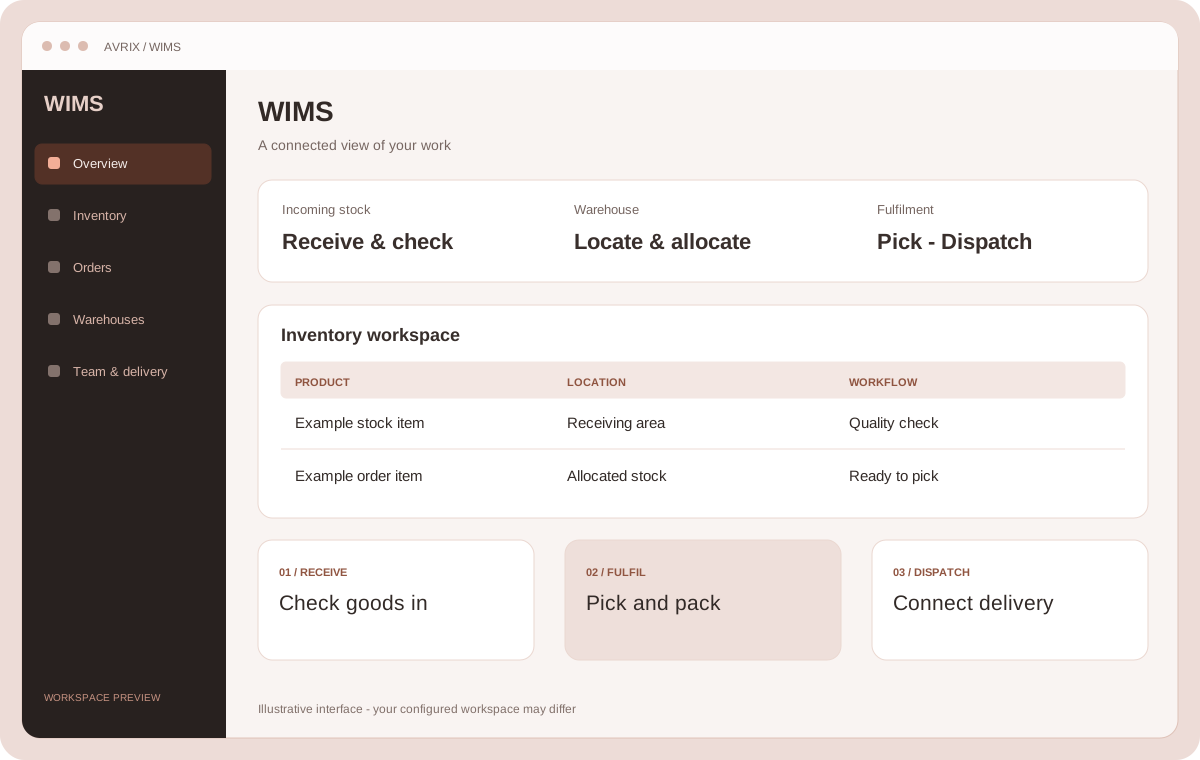
Connect incoming stock, warehouse operations, orders, staff and dispatch in one inventory workflow.
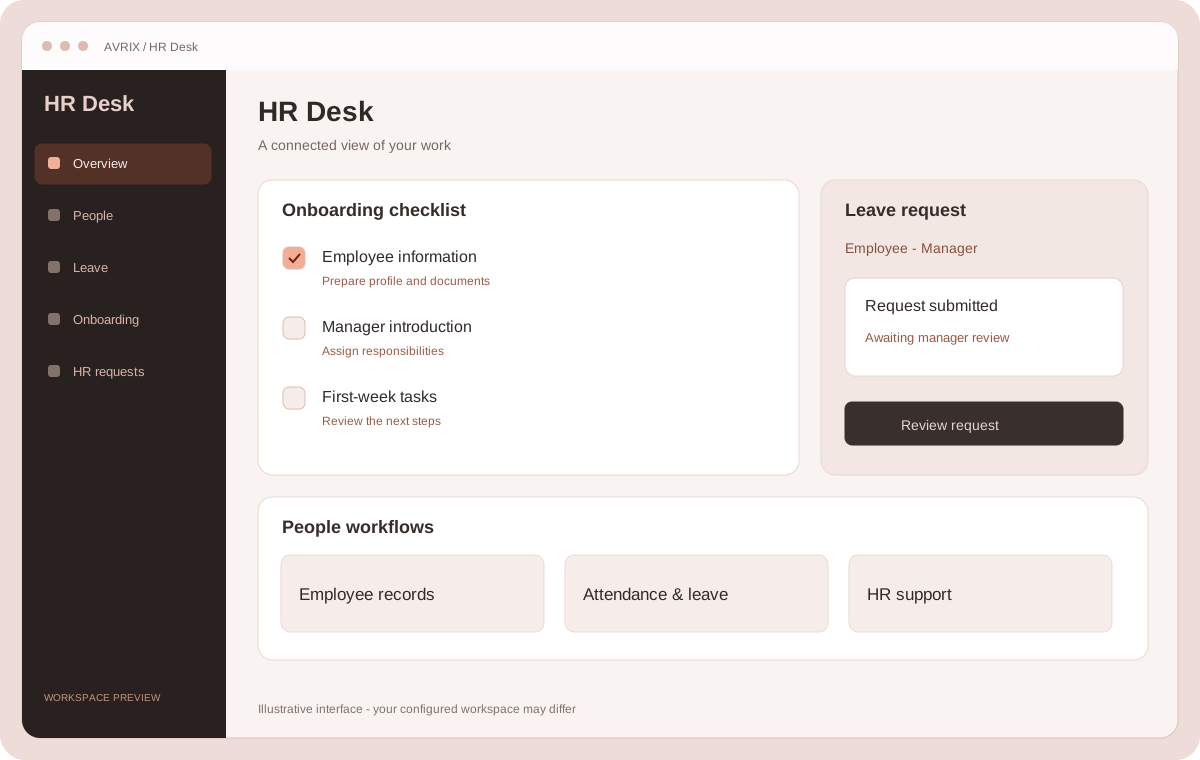
Explore productBring employee records, onboarding, leave, attendance and everyday HR workflows into one organised workspace.
Explore productBook a free 30-minute call. We'll listen, ask the right questions and come back with a clear recommendation. No jargon, no pressure.